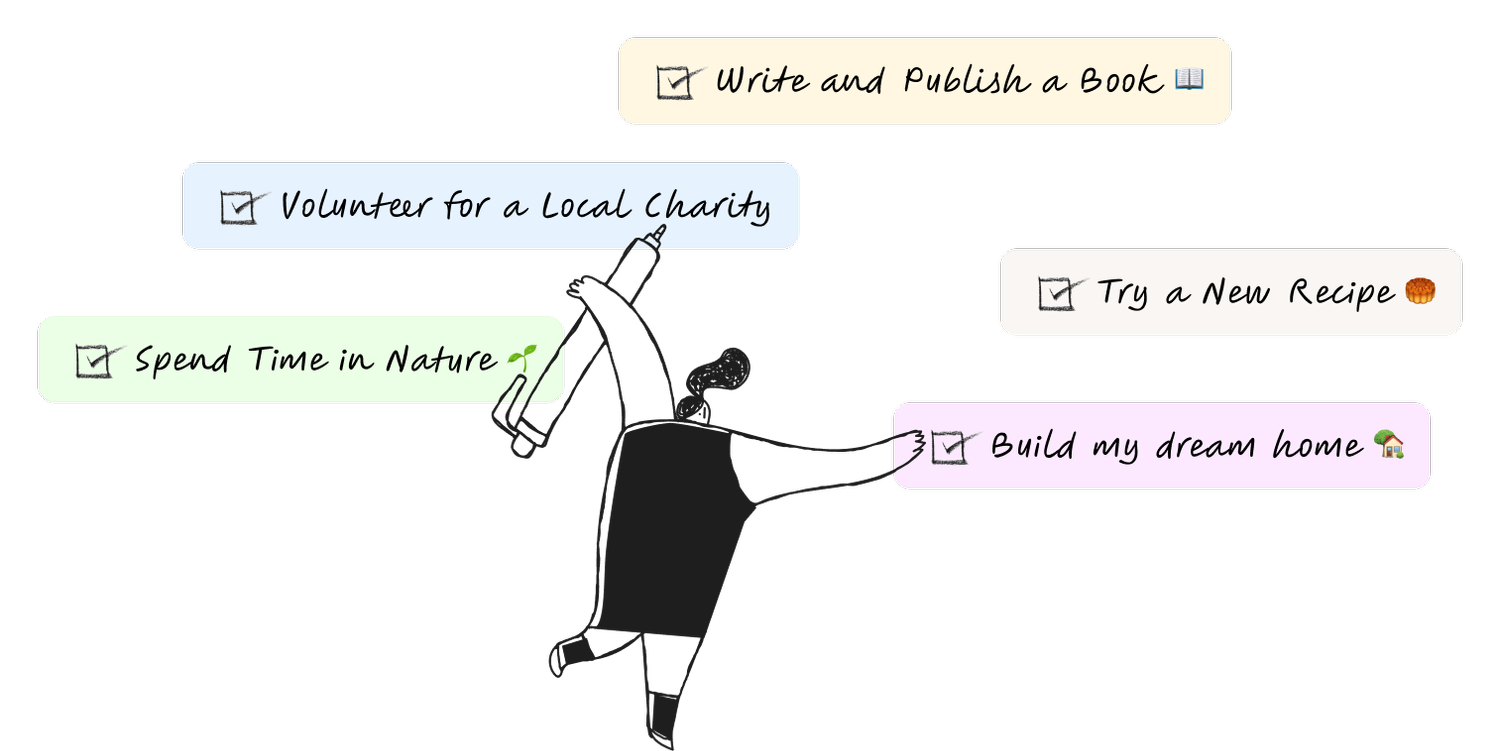
Live life ByDesign, not by default.
An intuitive digital planner designed to help you focus, organize, and thrive.
Start for FreePlanning canvas: your whole year, one surface
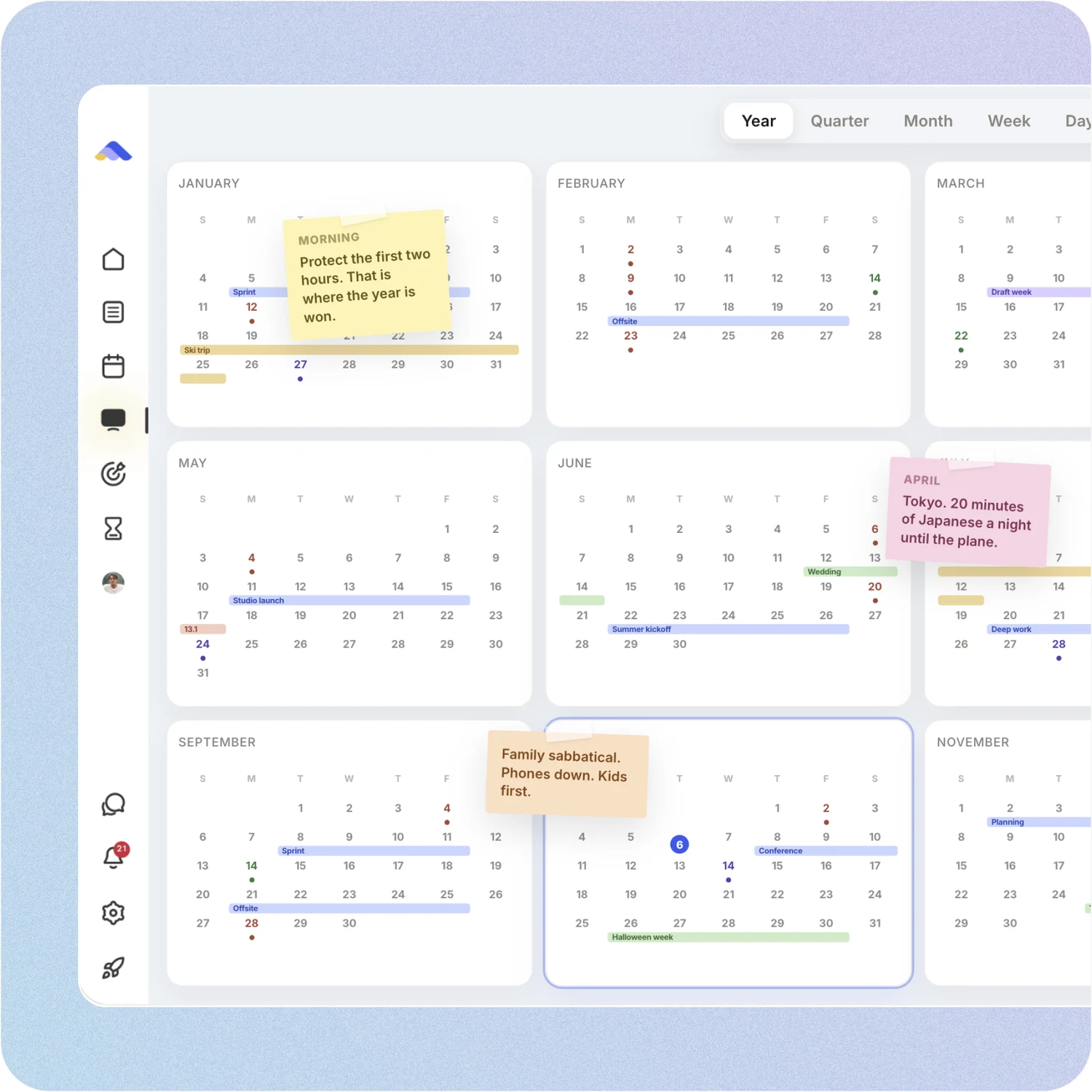
Zoom from the full year down to a single day. Drag tasks, events and habits anywhere, and ask the built-in planning assistant to reshuffle your week by voice or text.
Year, quarter, month, week, day
Pinch to zoom, drag to move
Planning assistant built in
AI Goal plans, from idea to calendar
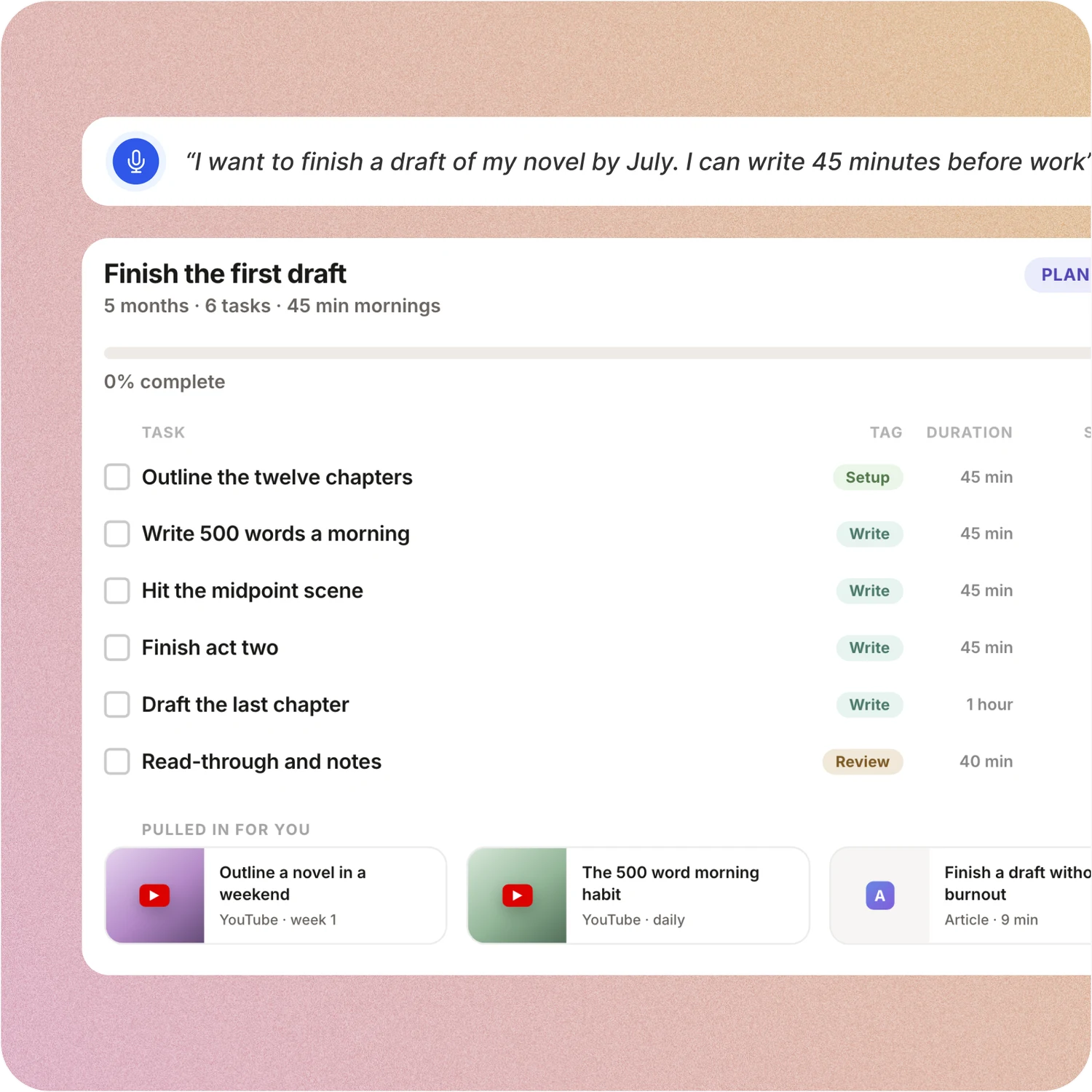
Tell ByDesign what you want to achieve. It asks a few questions, then builds a step-by-step plan with tasks, subtasks, courses and deadlines, and schedules it around the life you already have.
Goal breakdown in minutes
Tasks land on your calendar
Replan with one message
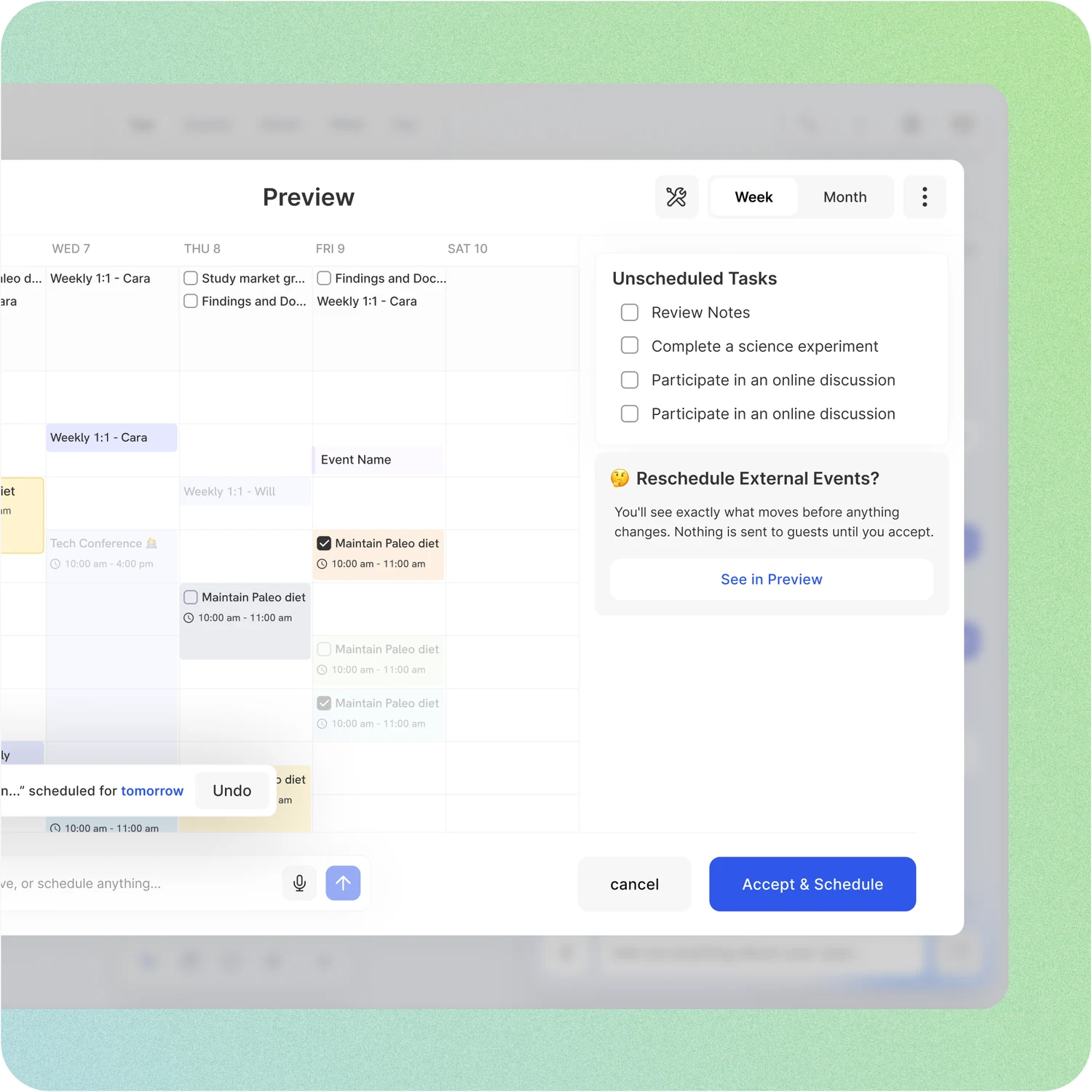
AI scheduling you approve first
Say “plan my week” or “plan important tasks” and ByDesign drafts the changes on a preview of your calendar. Nothing is saved until you accept, so you stay in control.
See the draft before it saves
Respects your hours and buffers
Syncs to Google, Apple, Outlook
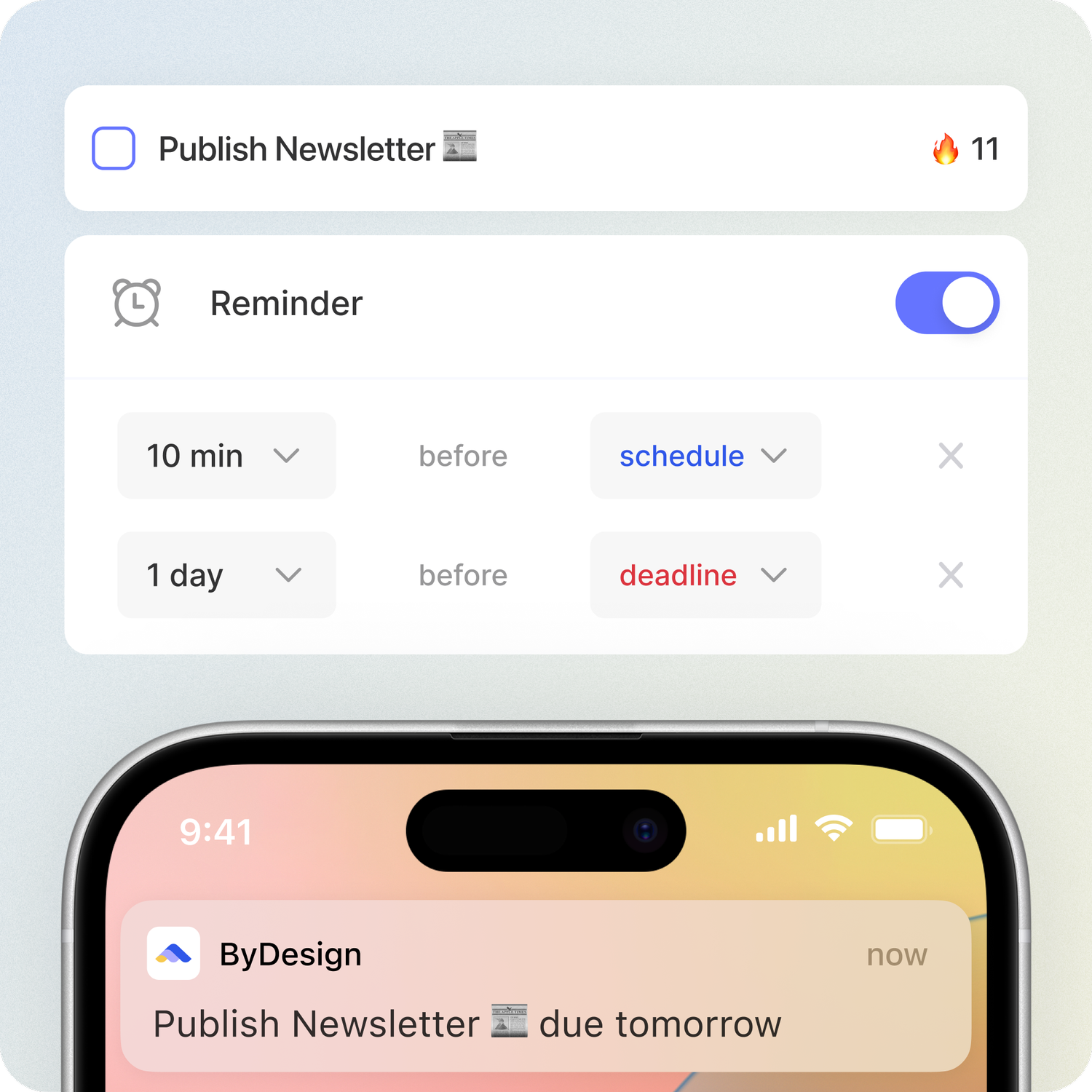
Stay on top of your goals
Easily manage your tasks and build routines. Track progress, set reminders, and visualize your achievements.
Customizable Reminders
Schedule date vs Deadline
Habit-Tracking
Sync Effortlessly
Never miss an appointment again. With our Calendar integrations, your tasks and events sync in real time, ensuring you stay on track.
 Try it free →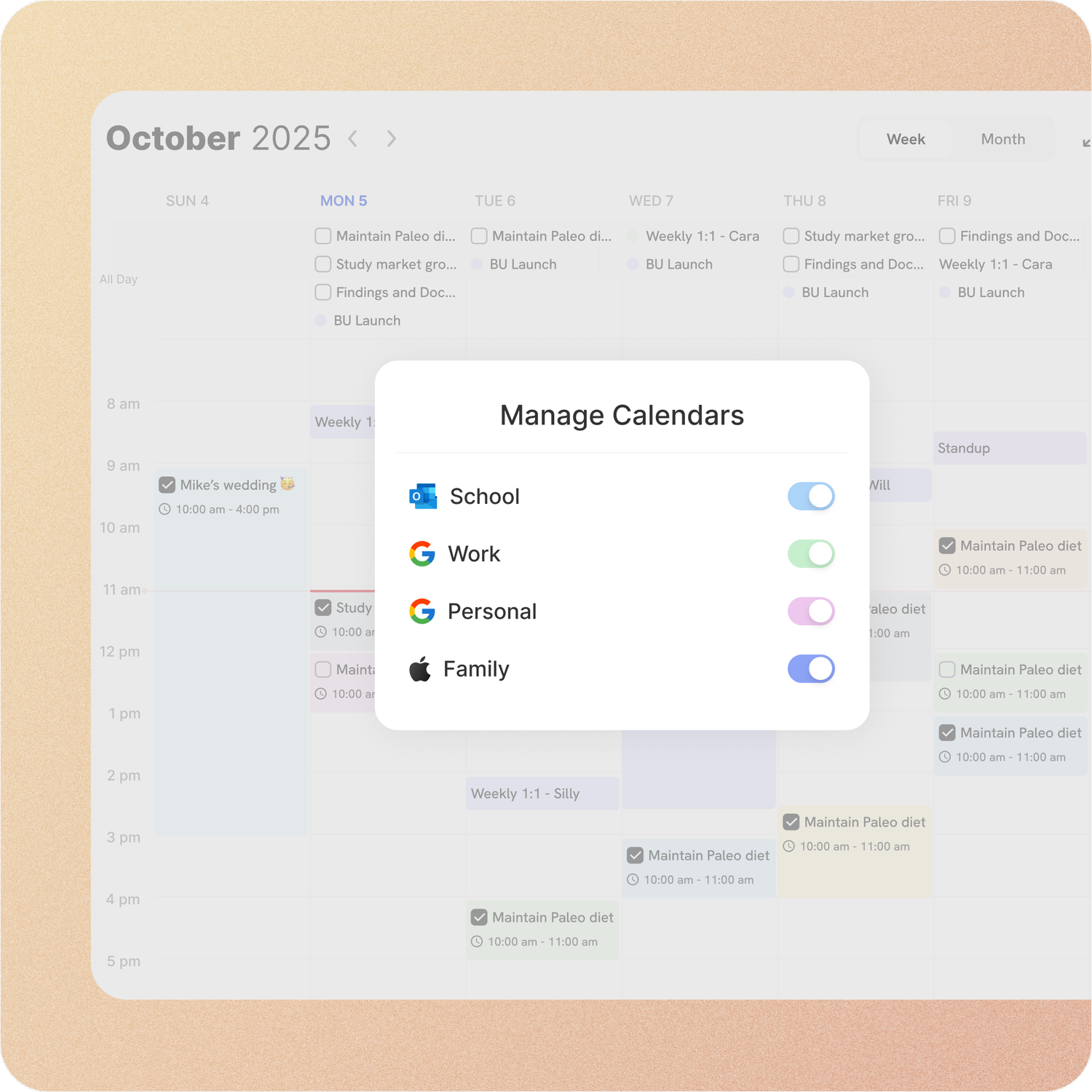
Comfort for your eyes
Switch to dark mode for a more comfortable viewing experience, especially during late-night planning sessions. Your eyes will thank you!
Try it free →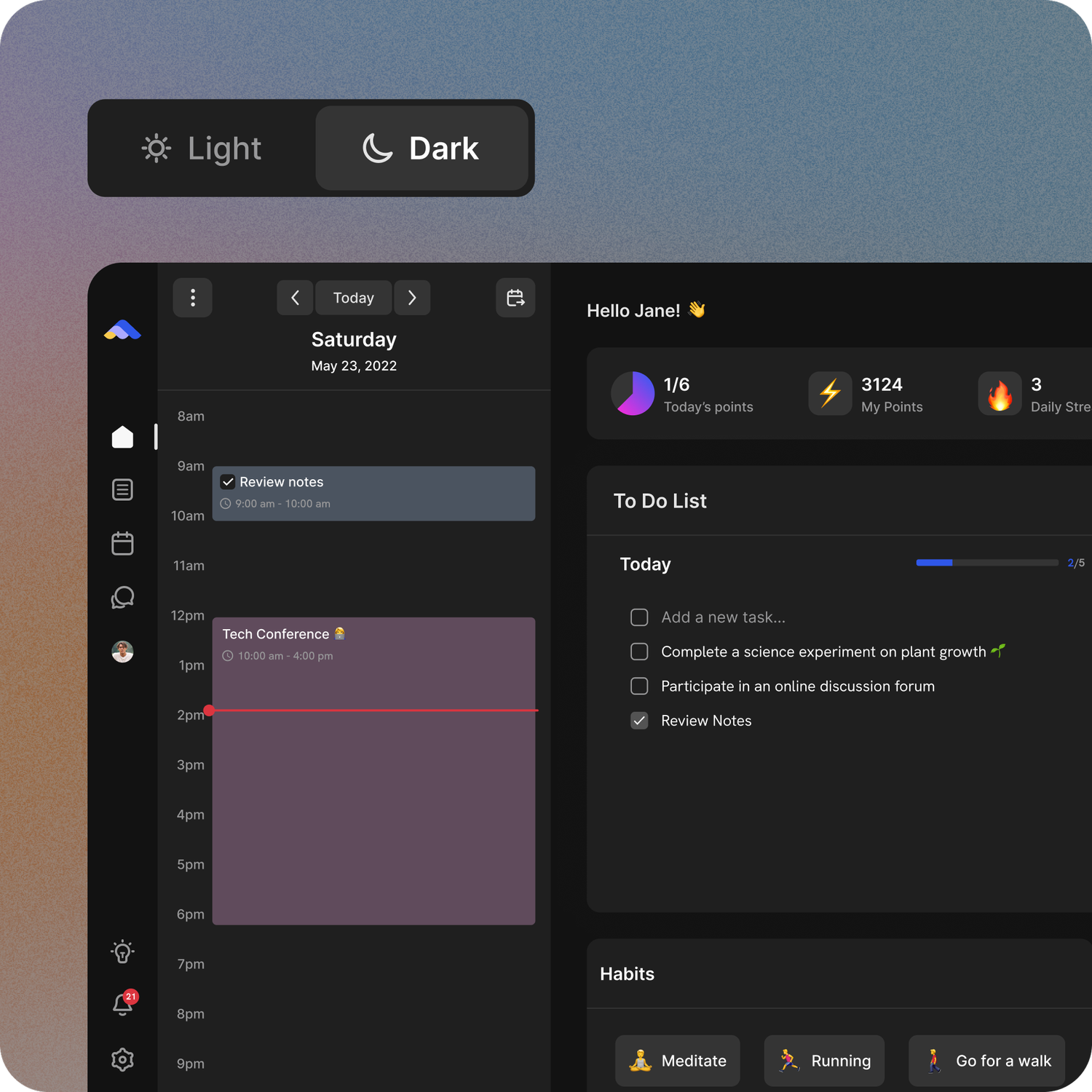
Drag and Drop (literally anything)
Move tasks, notes, or even entire pages with a simple drag and drop. ByDesign’s intuitive interface lets you organize your workspace just the way you like it—no friction, no hassle.
Try it free →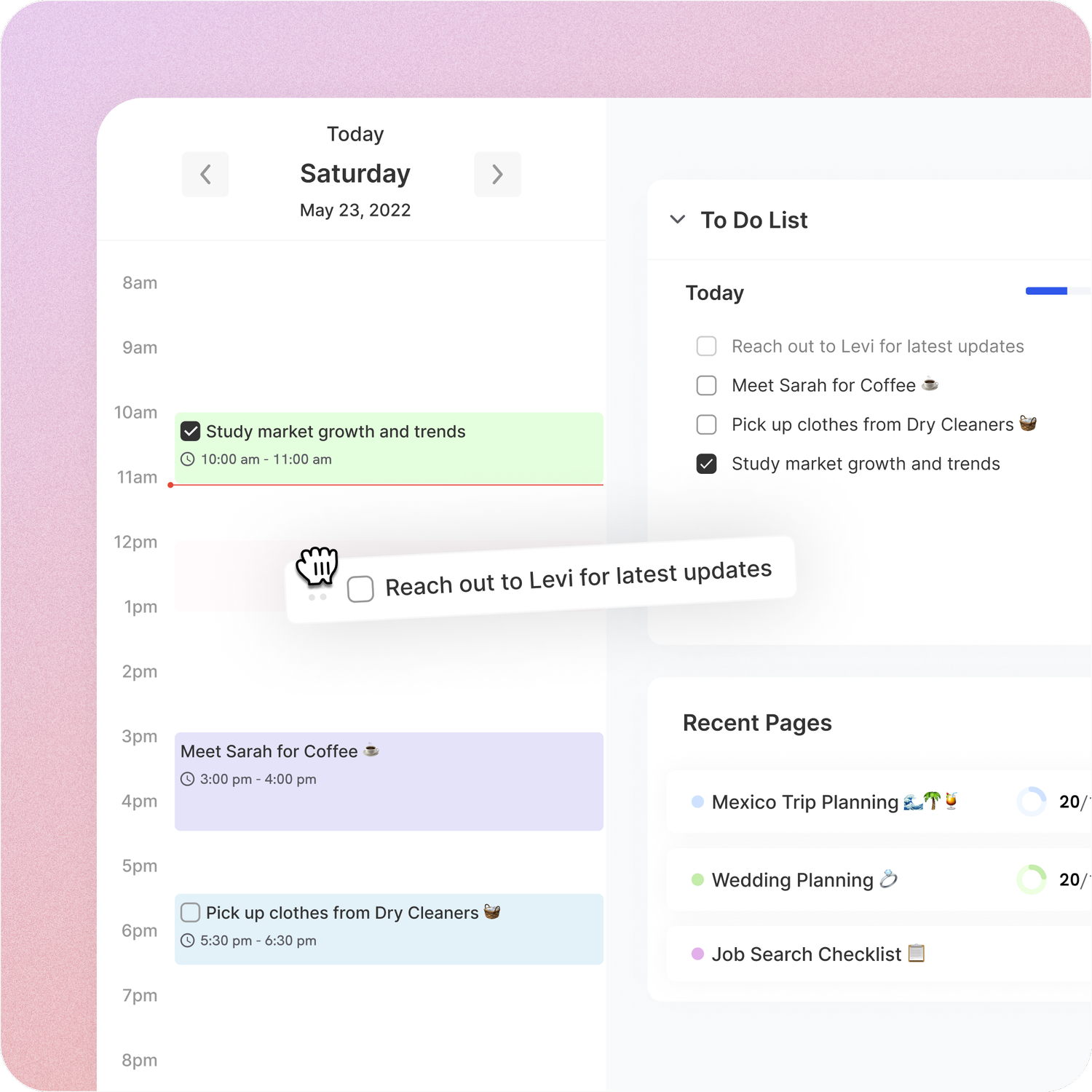
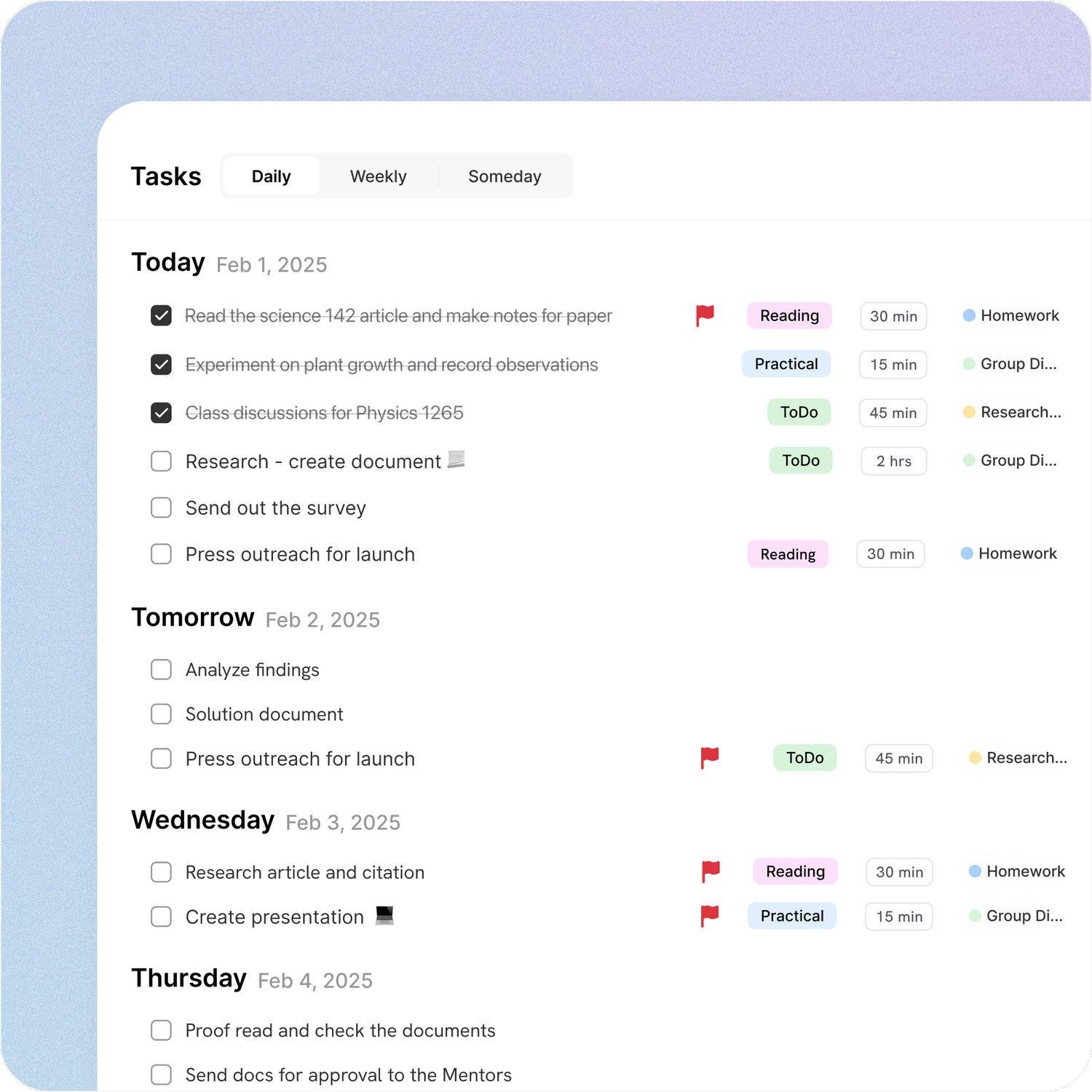
Visualize your tasks your way
Stay on top of your schedule with timeline view, a clean and clear layout for tracking tasks. Designed to provide you with a straightforward to-do list, helping you see your priorities in one glance.
Daily View
Weekly View
Someday view
Widgets for iOS
View and track your tasks and habits directly from your mobile home screen—and seamlessly on your Mac, too. Stay organized and on top of your goals without needing to open the app.
Try it free →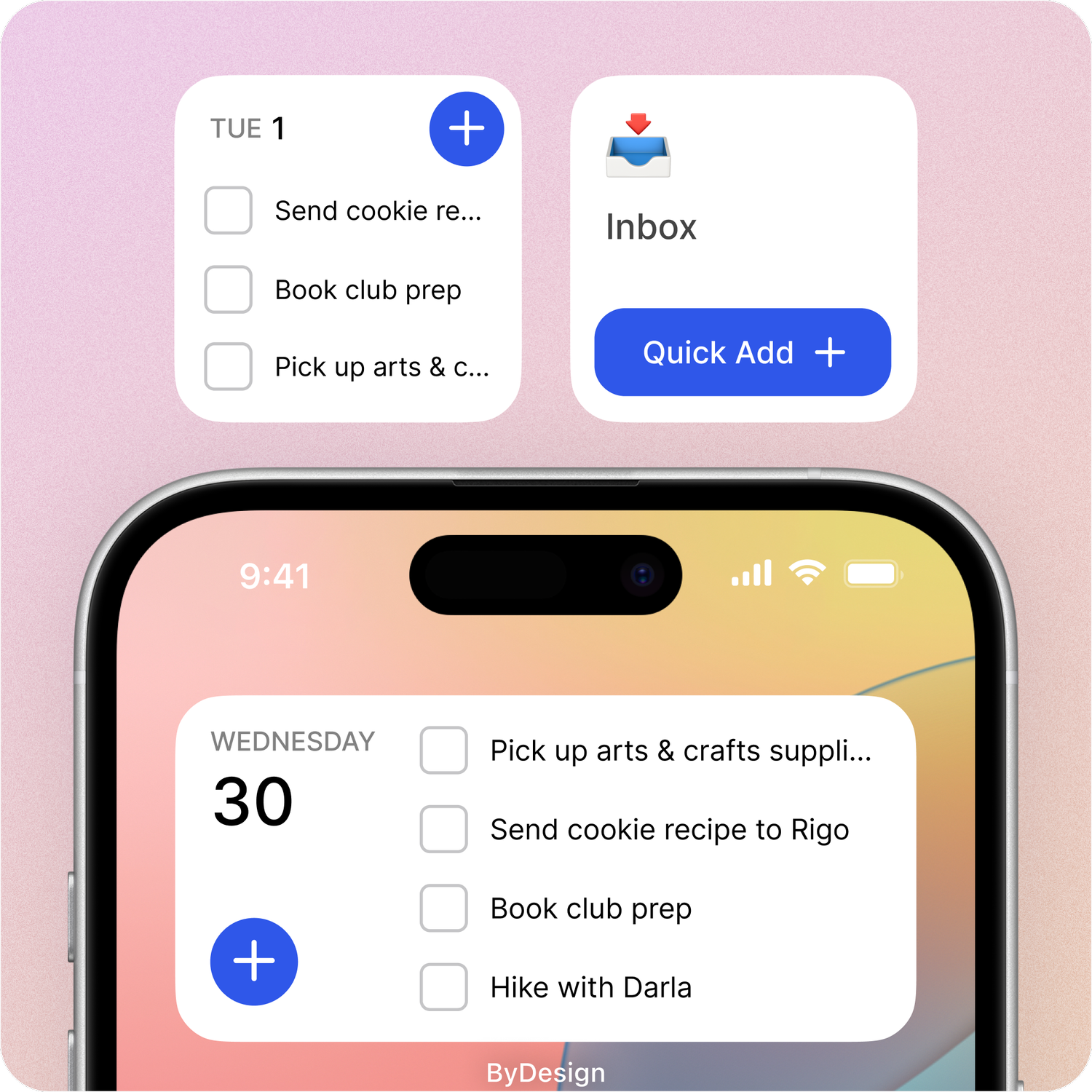
Capture tasks instantly, anywhere
Jot down tasks, ideas, or reminders on the go with ease. Using natural language processing, the console recognizes phrases like Meeting tomorrow at 10AM and auto-schedules them.
Try it free →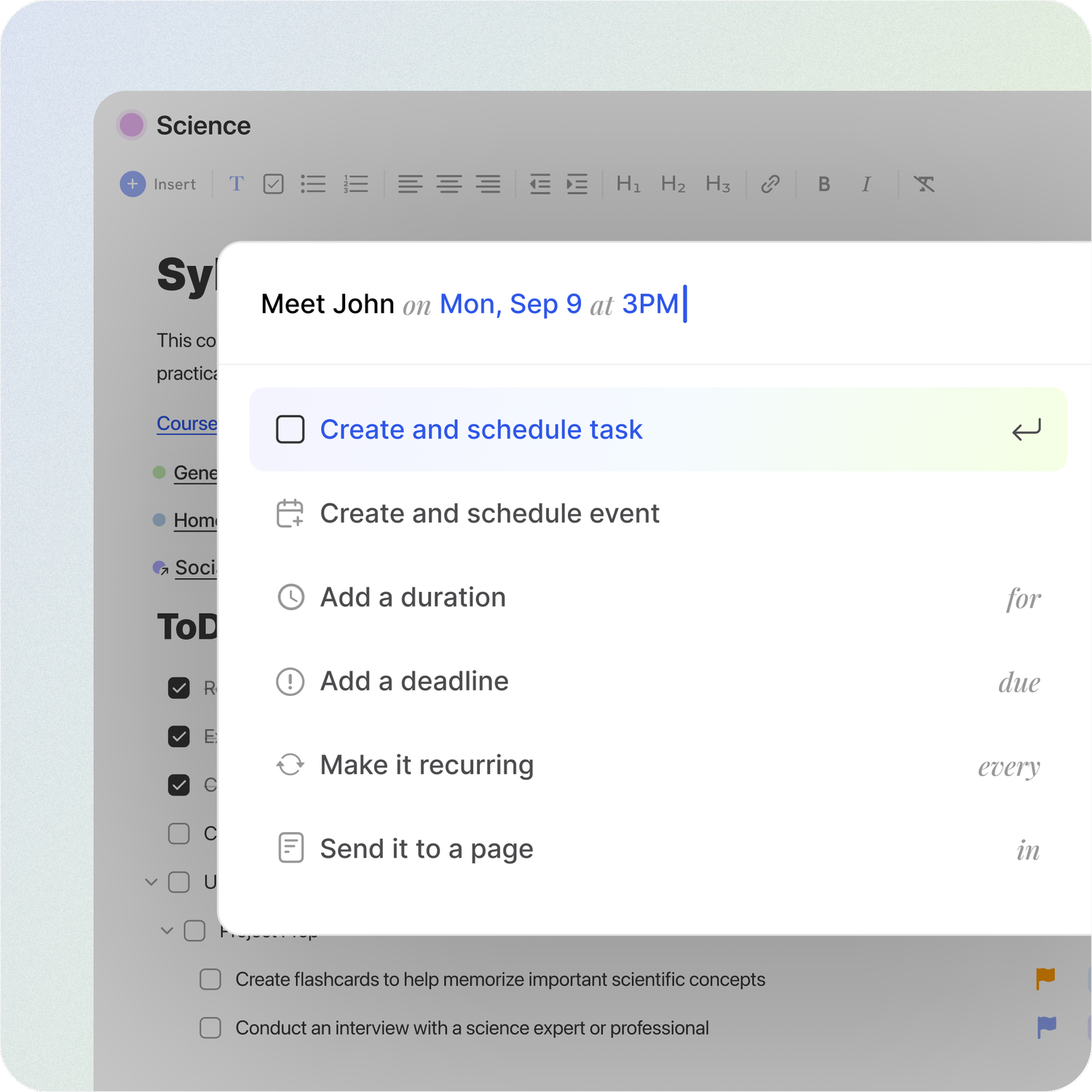
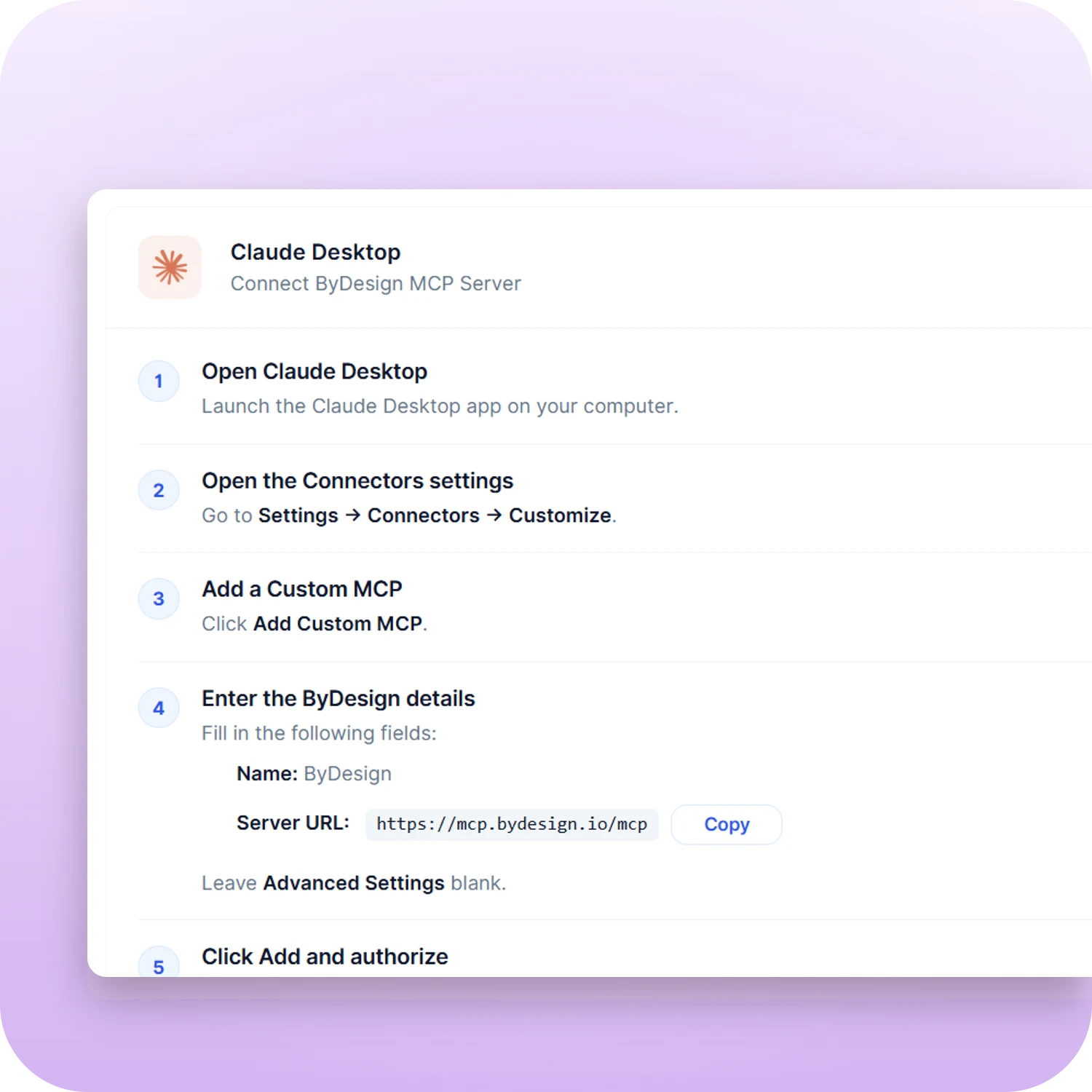
Works with your AI, through MCP
Connect ByDesign to Claude, ChatGPT or any MCP-capable assistant in a couple of steps. Then ask your AI to add tasks, read your schedule or plan your day, straight from the chat you already use.
Claude Desktop and Claude Code
ChatGPT custom MCP
Secure, revocable access