

Set up a shared Workspace
- Folders: Sprint Planning, Projects, Team Docs and Marketing.
- Pages: Sprint Backlog, Weekly Sync Notes, Bug Tracker and Content Pipeline.
- Share each page with your team. Pages others share with you appear under 📥 Shared with me.
Work together
- Share pages with teammates as can edit or can comment.
- Assign tasks in the Assignees column, which appears once a page is shared, and give them a deadline and a reminder.
- Talk async: comment on highlighted text or the whole page, or in a task’s comments, and type @ to mention a teammate.
See the workload
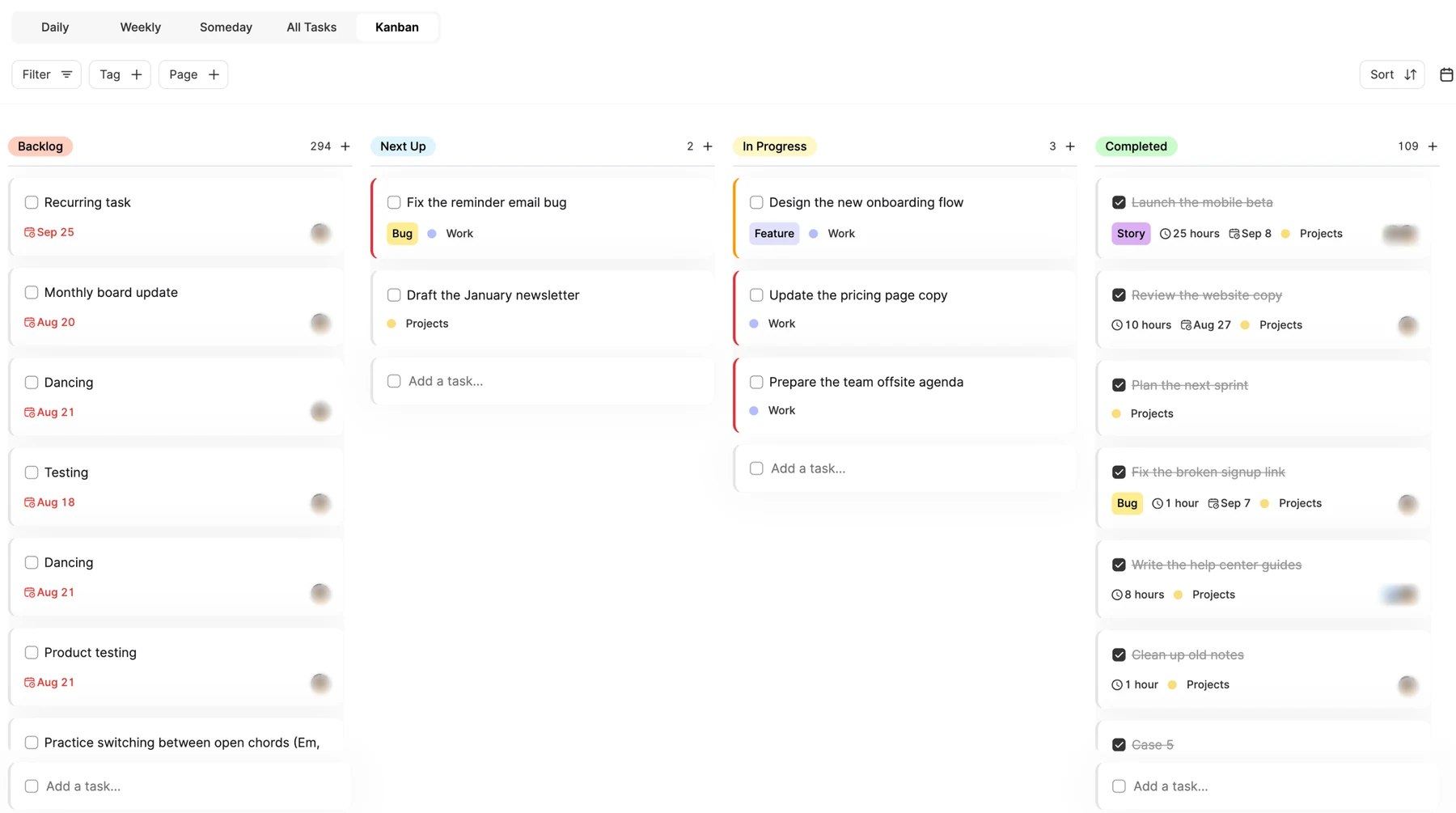
- Kanban: follow tasks from Backlog through Next Up and In Progress to Completed.
- Calendar: drag tasks between days to balance the week.
- Meetings: create events with guests and send them to Google, Apple or Outlook.
Make your routines repeatable
Build a page for each team ritual, like a weekly review, a launch checklist or a content brief, then Duplicate it each time you run it. The Templates gallery has more ready-made pages to start from.
Keep reading
- Working with pagesCollaboration and publishingShare a page with people or a link, publish it as a public web page, discuss it with comments, and assign single tasks.
- Planning basicsKanban boardsSee your tasks move from Backlog to Next Up, In Progress and Completed, on one main board or a board on any page.
- Integrations and syncUsing the calendar in ByDesignSee your tasks, events, habits and synced calendars together, switch between week and month, and drag tasks in to block time.